
Stop Paying for Features You'll Never Use: How to Pick an AI Writing Assistant That Actually Fits
The problem isn't the tools. The problem is the buying process. You Google "best AI writing tool," find a listicle ranking 47 options by feature count, pick the one with the most checkboxes, and end up paying $49/month for a "Brand Voice Library" you'll never configure.
This guide takes a different approach. Instead of comparing feature lists, we'll figure out what kind of writer you actually are, then match you to a tool that fits how you already work.
TL;DR
- Most AI writing tools are built for marketing teams, not founders
- Your "writer type" determines which features actually matter
- The right tool reduces editing time, not just generation time
- Run one simple test before committing to any subscription
The 5 Founder Writer Types (Pick Yours)
Before comparing tools, figure out which of these sounds like you:
1. The Micro-Poster You write short, frequent updates. LinkedIn posts, product announcements, quick takes. You need speed and consistent voice. Long-form content isn't your game.
2. The Long-Form Builder You write detailed tutorials, deep dives, or thought leadership essays. You need robust outlining and the ability to maintain coherence across 2,000+ words.
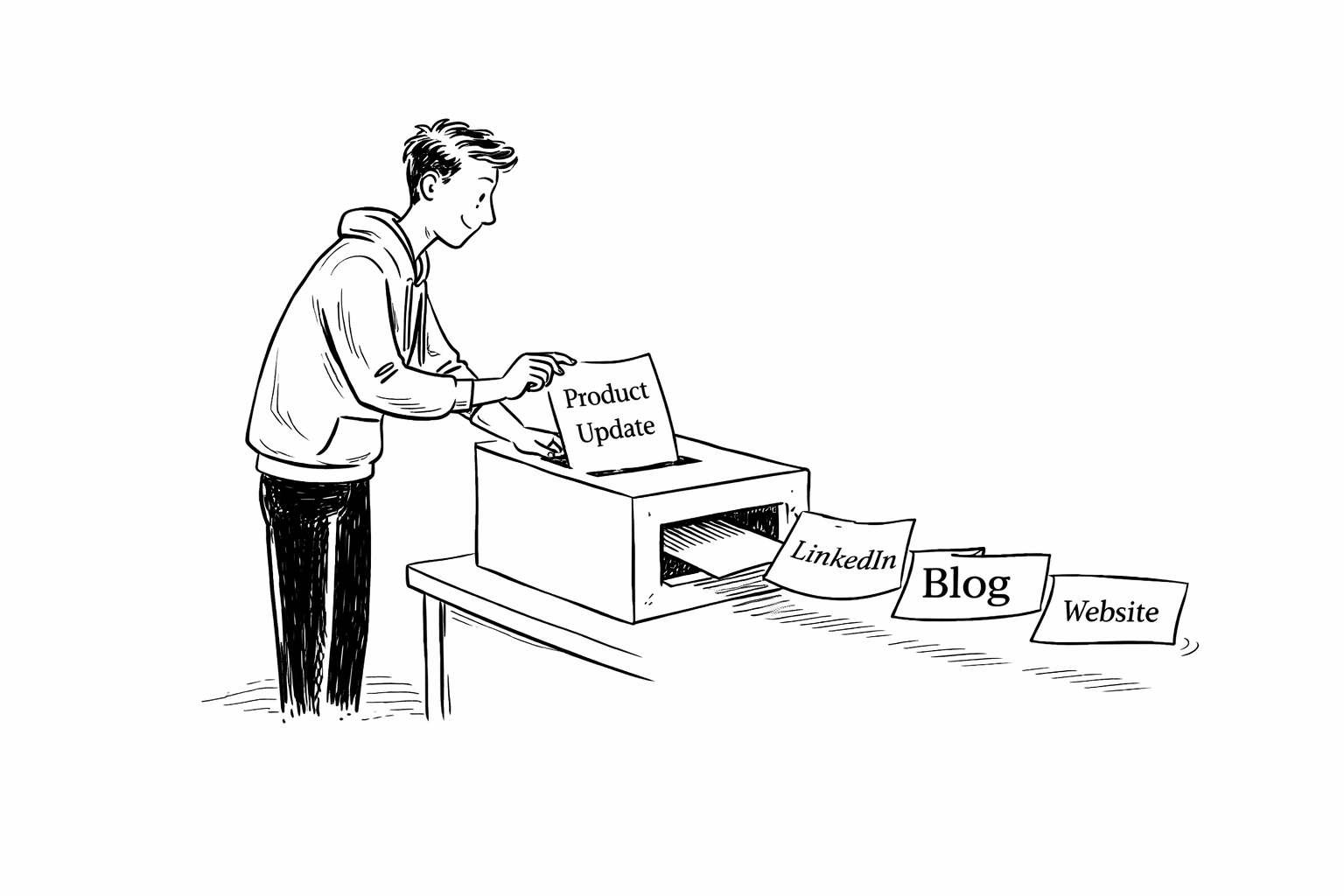
3. The Repurposer You hate writing the same thing twice. You want one product update to become three LinkedIn posts, a blog intro, and a newsletter snippet. Efficiency is everything.
4. The Editing-First Writer You don't trust AI to write final copy. You want raw material you can shape. You'll trade output quality for control.
5. The Idea Sampler You use AI for brainstorming and concept testing, not finished drafts. You need fast, cheap idea generation. Polish happens elsewhere.
Most founders land somewhere between Micro-Poster and Repurposer. They want to show up consistently without spending hours writing or editing. That's the workflow to optimize for.
What Actually Matters: 5 Tasks, Not 50 Features
Forget feature checklists. Every AI writing tool does roughly the same thing. What matters is how well it handles these five tasks:
Brainstorming — Does it generate diverse, useful ideas fast? Or do you get the same generic angles every time?
Drafting — How long until you have something usable? Not perfect. Usable. The gap between "raw output" and "ready to edit" is where tools win or lose.
Voice Matching — How many edits before it sounds like you, not a robot? If you're rewriting 80% of every draft, the tool isn't helping.
SEO — Does it handle keywords without sounding stuffed? Good SEO copy reads natural. Bad SEO copy reads like it was written for a search engine, not a person.
Repurposing — Can one input become multiple outputs reliably? A single product update should spin into three LinkedIn posts and a website blurb without starting from scratch each time.
When you evaluate tools, score them on these five. Ignore everything else. The tool that wins on your top two tasks is the right choice, even if it loses everywhere else.
The Real Comparison: Jasper vs. Copy.ai vs. Writesonic vs. ChatGPT vs. CopyBeats
Here's how the major players stack up across the five tasks that actually matter:
Jasper
- Best for: Marketing teams with budget and time to configure
- Brainstorming: Strong. Lots of templates and prompt recipes
- Drafting: Good for long-form if you commit to editing
- Voice Matching: Decent controls, but steep learning curve
- SEO: Integrated via Surfer (separate subscription)
- Repurposing: Template-heavy. Requires setup
- Price: $49-125/month
- Verdict: Powerful but complex. Overkill for most founders
Copy.ai
- Best for: Quick short-form generation
- Brainstorming: Excellent. Fast idea generation
- Drafting: Good for short pieces, inconsistent on long-form
- Voice Matching: Basic toggles, no real memory
- SEO: Minimal. Needs external tools
- Repurposing: Quick spins, but outputs feel generic
- Price: Free tier available, $49/month for teams
- Verdict: Good for ideation, weak on voice consistency
Writesonic
- Best for: SEO-focused content at scale
- Brainstorming: Solid template library
- Drafting: Strong for marketing copy and ads
- Voice Matching: Inconsistent on longer pieces
- SEO: Built-in tools, Ahrefs integration
- Repurposing: Decent, needs manual oversight
- Price: $20-499/month
- Verdict: Best pure SEO play, but voice suffers
ChatGPT
- Best for: Writers who enjoy prompt engineering
- Brainstorming: Exceptional. Best ideation engine
- Drafting: Flexible but unpredictable without good prompts
- Voice Matching: Powerful if you build custom instructions
- SEO: None. Fully manual
- Repurposing: Excellent with the right prompt templates
- Price: $20/month for Plus
- Verdict: Highest ceiling, highest effort
CopyBeats
- Best for: Founders who want consistent LinkedIn + blog output without the setup
- Brainstorming: Focused. Guides ideas from product updates
- Drafting: Optimized for short, non-salesy posts and website copy
- Voice Matching: Minimal edits needed. Preserves founder voice by design
- SEO: Built into the repurposing workflow
- Repurposing: Core strength. One update → multiple posts + blog copy
- Price: $39-99/month
- Verdict: Narrow focus, high consistency. Built for founders, not agencies
The 10-Minute Test That Reveals Everything
Before you commit to any tool, run this test:
Input: Take a 150-word product update or company news item.
Ask each tool to produce:
- 3 LinkedIn posts (different angles)
- 1 website blurb (300 words)
Measure:
- Time from prompt to usable draft
- Number of edits to match your voice
- Whether outputs feel human or robotic
The tool that gets you to "good enough to post" fastest wins. Not the tool with more features. Not the tool with better reviews. The one that actually fits your workflow.
Decision Framework: Pick Based on Your Type
If you're a Micro-Poster, go with CopyBeats or ChatGPT. Speed and voice consistency matter most. You need to publish fast and sound like yourself without heavy editing.
If you're a Long-Form Builder, Jasper or ChatGPT make more sense. You need outlining tools and the ability to maintain coherence across 2,000+ words. Short-form optimized tools will frustrate you.
If you're a Repurposer, CopyBeats fits best. One-input-to-many-outputs is the core workflow. You want a single product update to become multiple posts and a blog section without re-prompting five times.
If you're Editing-First, stick with ChatGPT. You want maximum control and raw material to shape. You don't trust AI to get it right the first time, and you're fine with that.
If you're an Idea Sampler, Copy.ai or ChatGPT will serve you well. Fast, cheap idea generation is the priority. Polish happens somewhere else.
If you're a founder who identifies as a Micro-Poster or Repurposer (most do), and your goal is consistent LinkedIn presence plus steady blog traffic, the math points toward tools built specifically for that workflow.
Templates You Can Steal
These work in any tool. Add one personal line to anchor your voice.
Product Update → LinkedIn Post
Structure:
- One-line problem you solved
- What you shipped or learned
- One human detail (frustration, surprise, lesson)
- Open question or light ask
Example:
"Our signup flow was breaking for 12% of users.
Spent 3 days in the logs. Found a race condition nobody documented.
The fix was 4 lines of code. The debugging was 47 tabs and two existential crises.
What's your worst debug-to-fix ratio?"
Product Update → Website Blurb (300 words)
Structure:
- Headline: Frame the problem in 8 words or less
- Paragraph 1: What the approach solves
- Paragraph 2: The benefit, with one specific detail
- CTA: One sentence, focus on learning more
Repurposing Pack (1 Update → 3 Posts + Blurb)
Post A: The milestone framed as progress
Post B: Behind-the-scenes lesson
Post C: User/customer insight (anonymized)
Blurb: Distilled value prop + next step
The Real ROI Calculation
Most founders miscalculate AI tool value. They compare monthly fees. They should compare time-to-publish.
The formula: True Cost = Monthly Fee + (Hours Onboarding × Your Hourly Rate) + (Edit Time Per Post × Posts Per Month × Your Hourly Rate)
A $99/month tool that saves you 3 hours of editing per week beats a $20/month tool that requires 5 hours of prompt engineering to set up and 30 minutes of editing per post.
Time-to-publish is the metric. Everything else is noise.
Common Objections (And Why They're Usually Wrong)
"AI content sounds generic." Only if you don't seed it with your voice. Add 2-3 lines only you would say. The AI will pattern-match around them.
"I'll lose my authentic voice." You're editing, not publishing raw output. The AI is a draft machine, not a replacement for your judgment.
"I don't have time to learn another tool." If onboarding takes more than 30 minutes, the tool is wrong for you. Pick something simpler.
"What about SEO?" Most AI tools handle basic keyword targeting. For serious SEO, you need strategy first, tools second. No AI fixes bad topic selection.
The Bottom Line
Choosing an AI writing assistant comes down to three questions:
- What's your writer type?
- Which two tasks matter most?
- How fast can a tool get you to "publishable"?
If you're a founder who needs consistent LinkedIn posts and website content without the cringe or the time sink, look for tools that optimize for that exact workflow. Feature lists don't matter. Consistency does.
The best tool is the one you'll actually use every week. CopyBeats helps founders turn product updates into blogs people read and LinkedIn posts that don't make everyone cringe. Try the beta — bugs included.